A site gets breached
Bump its version for a fresh password.
 EasyPwd
Open source · Offline · No account
EasyPwd calculates a unique password for each website from your email, your passphrase, and the site's name. Install it on another computer, type the same two things, and every password is already there. Nothing is synced, because there's nothing to sync.
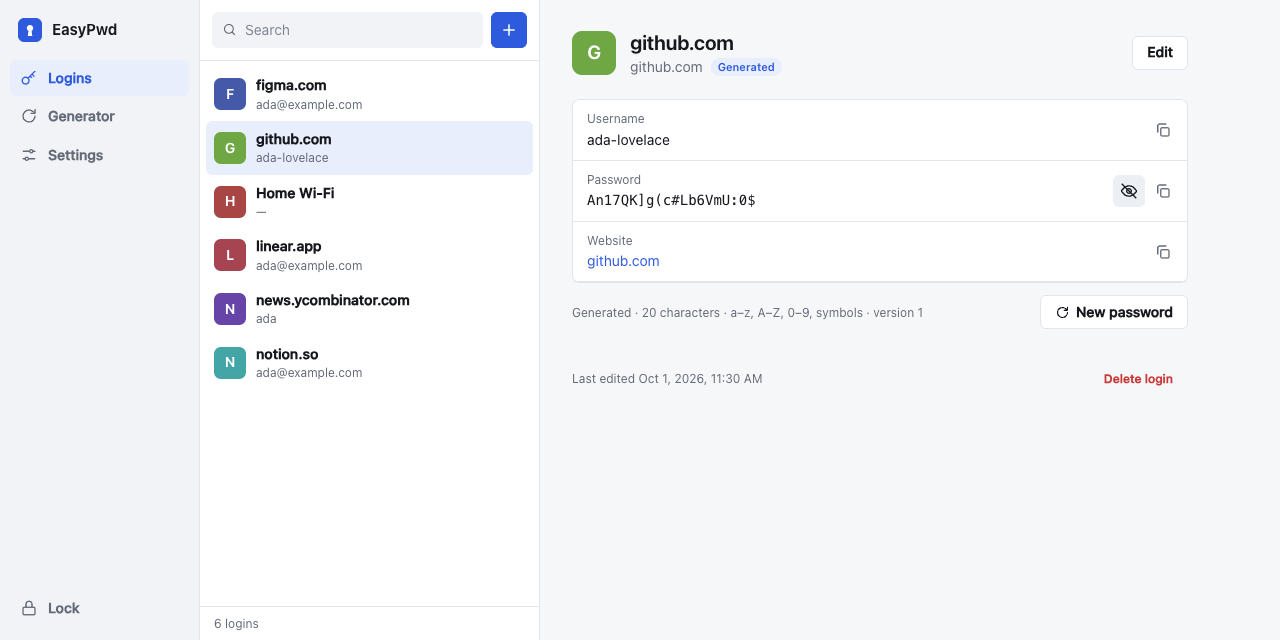
github.com, https://www.github.com/login and GitHub.com all give the same password.Um{GT&=2yz$:C[#j9}zkencrypted, local onlyraven delta kayak sierraFive screens, one idea: nothing to sync, nothing to lose.
Your email and one passphrase. No account, no sign-up, no server.
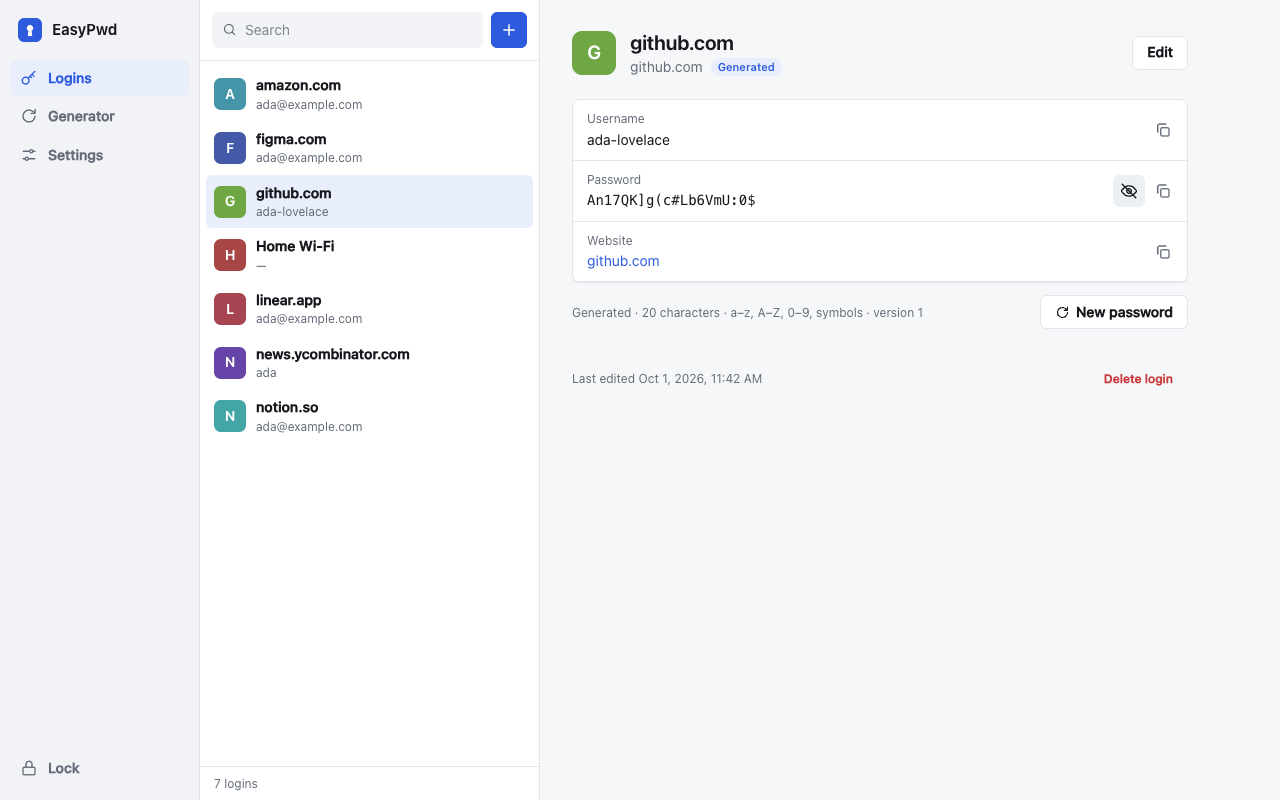
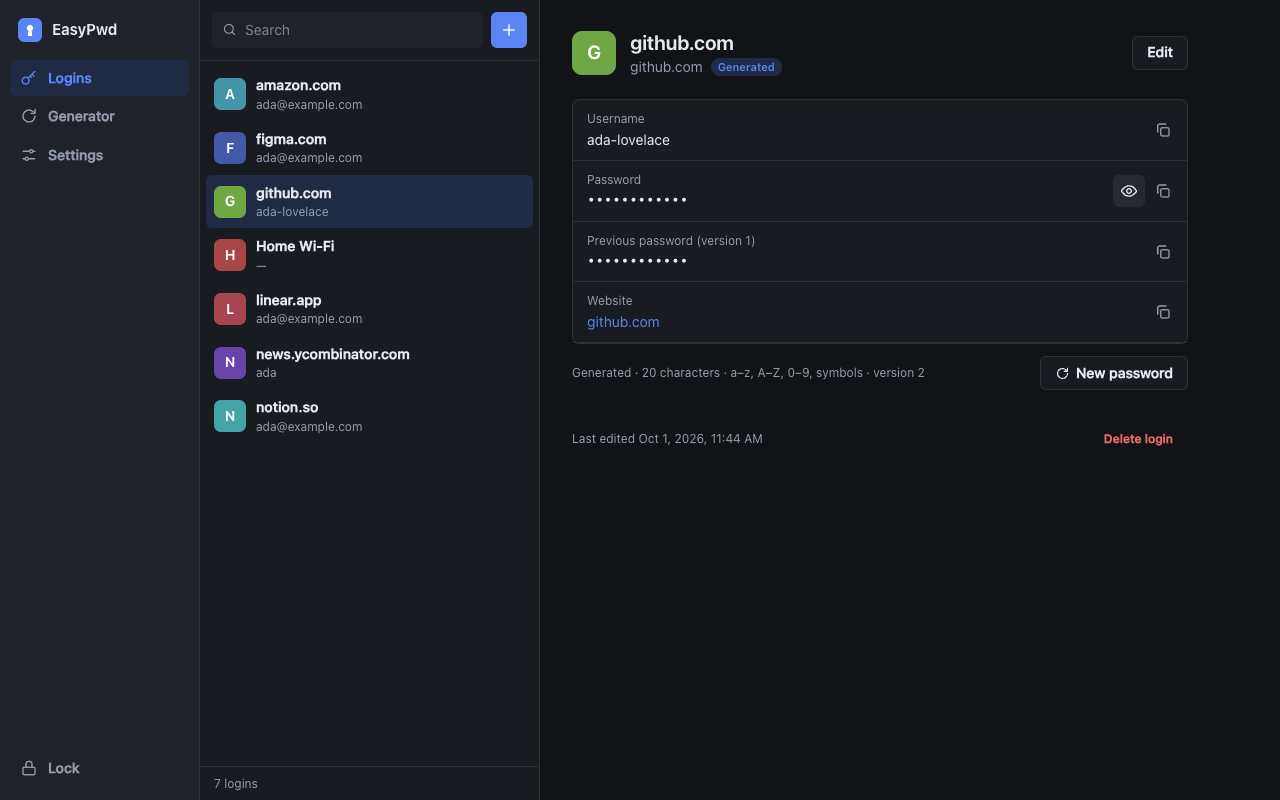
Generated and saved logins side by side. Search, copy, done.
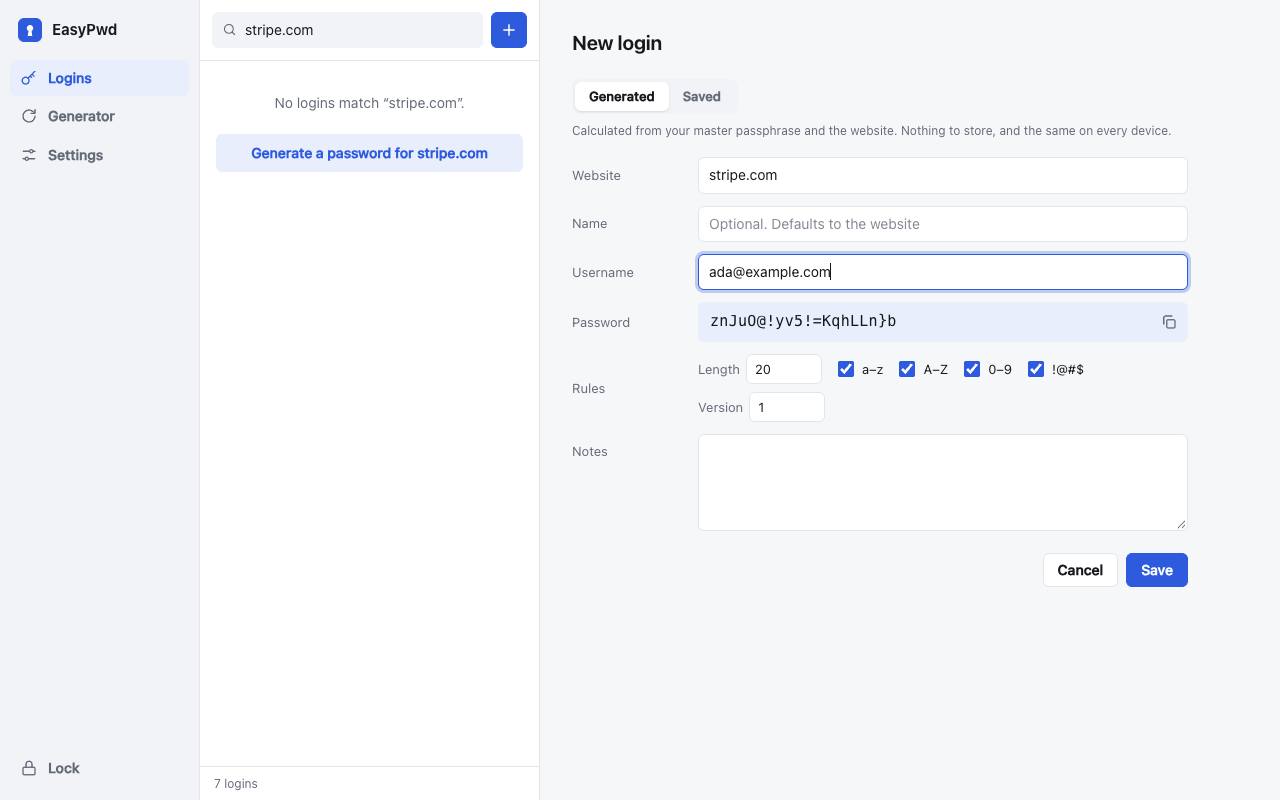
Type a website and its password is already there. Set length and characters per site.
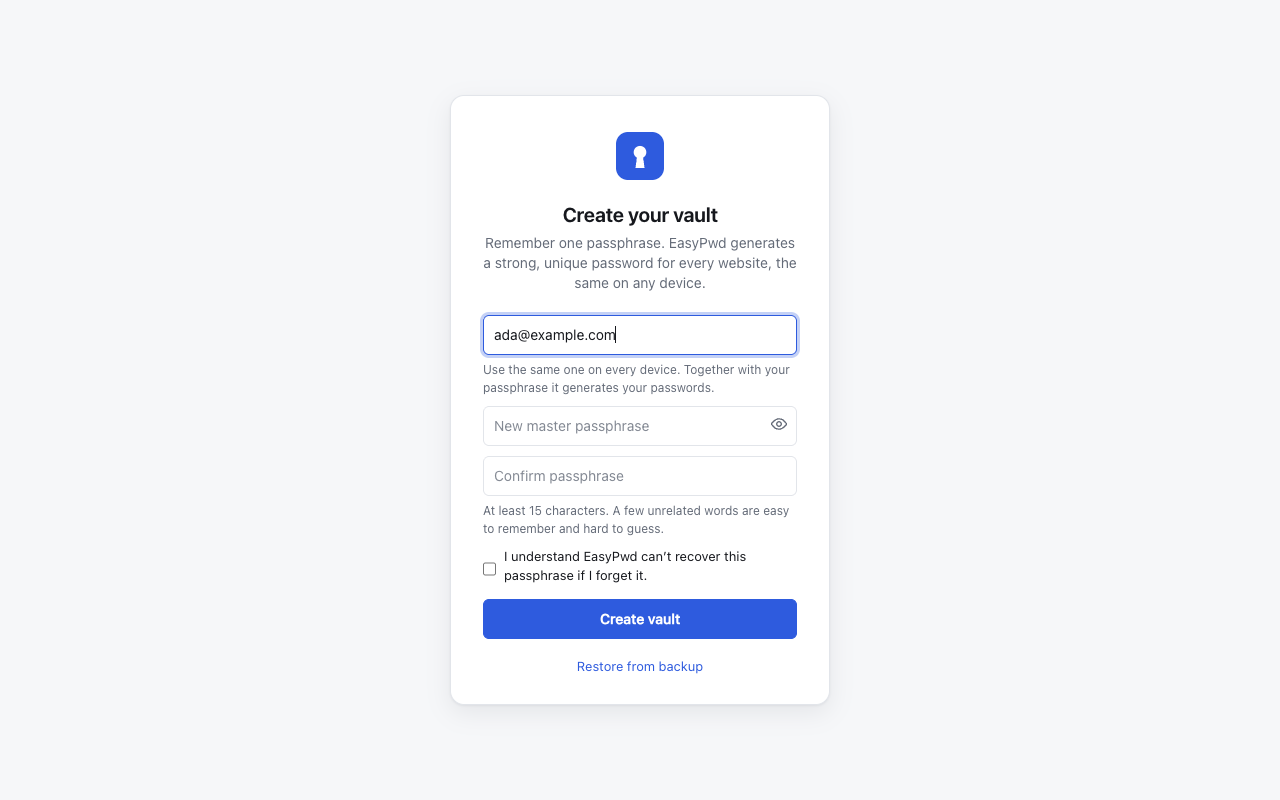
Four words only your email and passphrase can produce. Same words on every device.
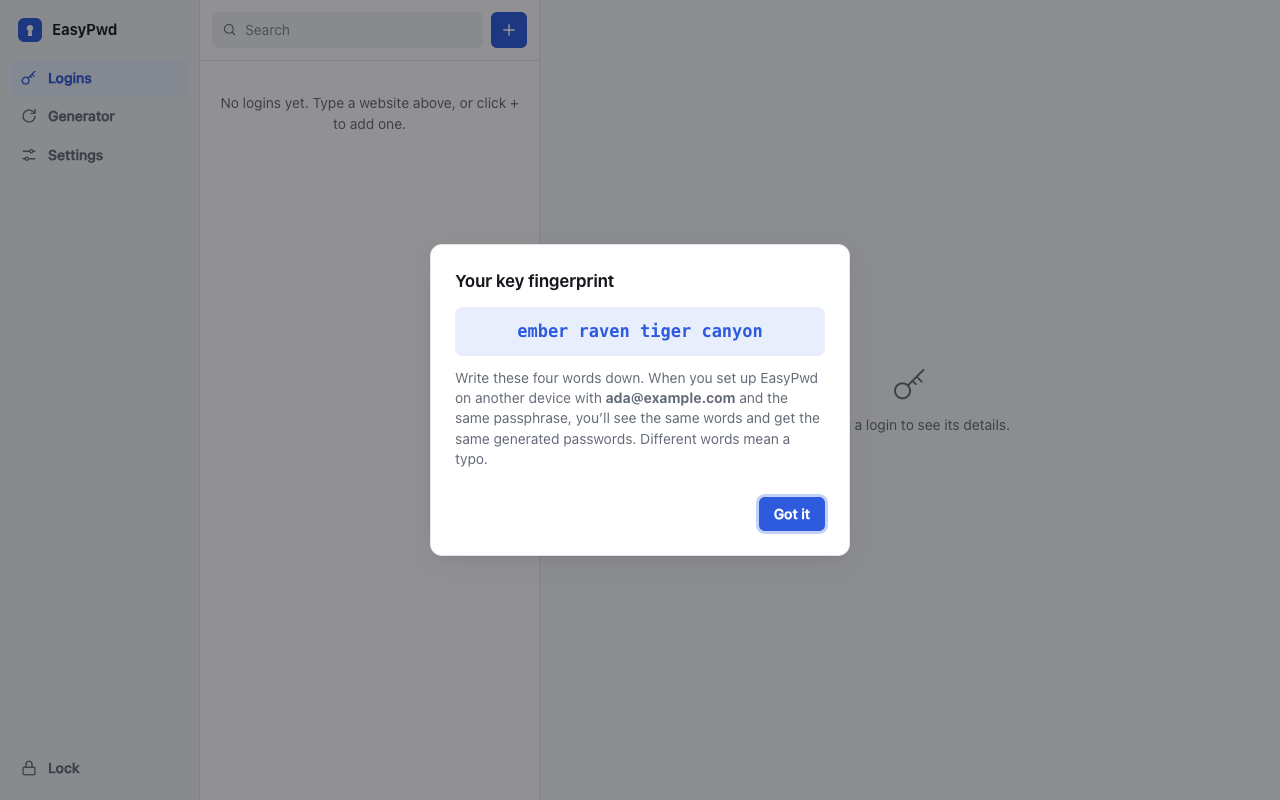
Get a new password, and keep the old one until you have changed it. Dark mode included.
Calculated passwords are an old idea. Here is what usually goes wrong, and the fix.
Bump its version for a fresh password.
Set length and symbols per site.
Keep them in an encrypted local vault.
Four words flag it instantly.
This runs the extension's own code in this page. Nothing leaves your browser, but use made-up values here, not your real passphrase.
storage and clipboardWrite.Anyone who learns your passphrase and email can calculate every generated password, without needing your vault. A single leaked site password also lets an attacker test passphrase guesses offline. Use a long passphrase of several unrelated words, and don't reuse it.
EasyPwd has not been independently audited.